Training
Short films covering everything from your first recording to running Recap across a club. Each one is a couple of minutes.
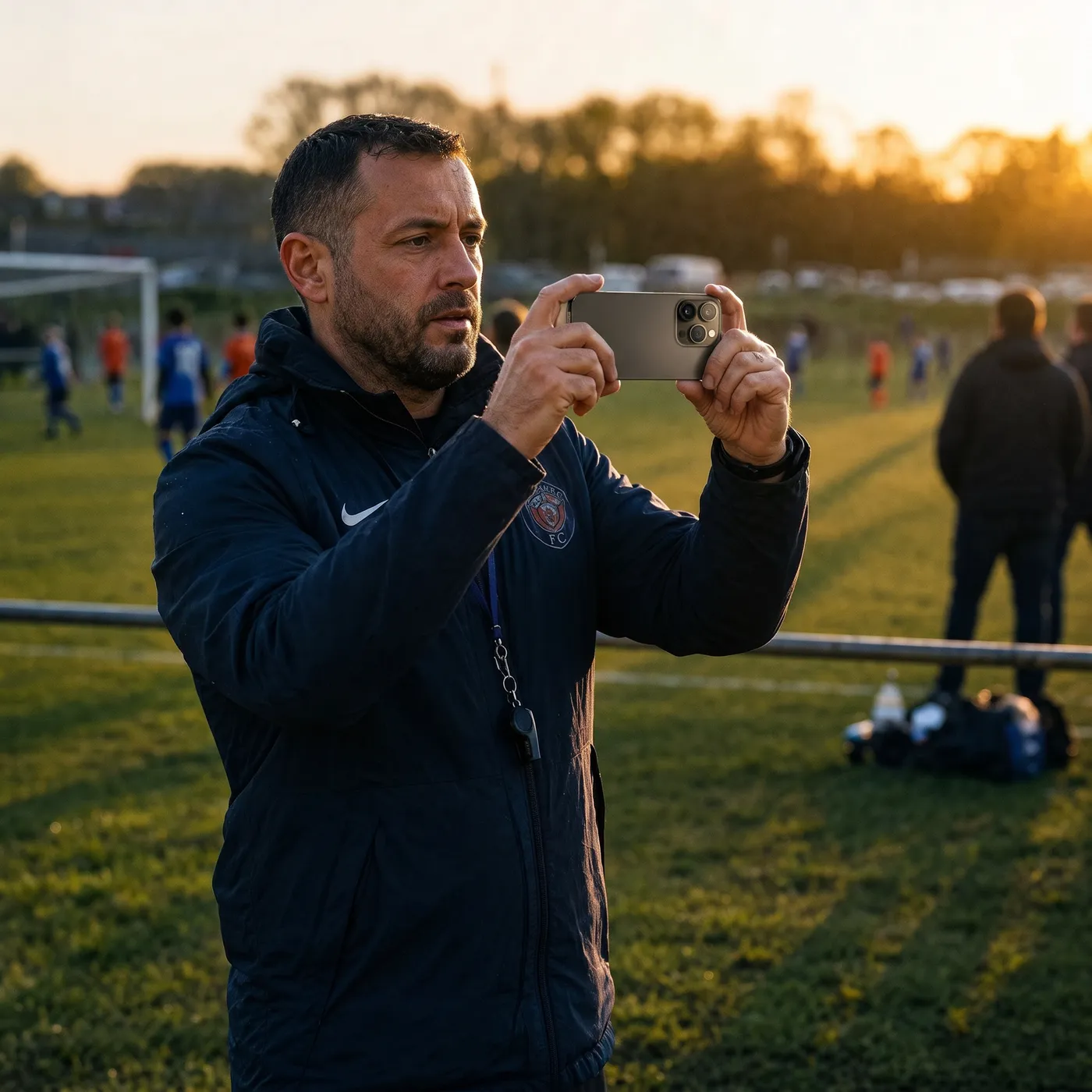
Before you press record
None of this is about the app. It is what makes the difference between footage Recap can work with and footage it cannot.
Charge it the night before
A full match plus extra time is more than most phones expect. Take a battery pack if you have one.
Clear the storage
Ninety minutes wants a few gigabytes. Check before you leave, not at kick off.
Get consent first
Tell the other coach you are filming and check nobody on either side is opted out. Two minutes before the whistle saves an argument after it.
Wipe the lens
A pocket puts a smear on it every time. One pass with a sleeve is the cheapest thing you can do for the picture.
Find a spot on the halfway line
Level with the middle, a step or two back from the touchline. From there both goals are the same distance away and players stop overlapping each other.
Line up with the other cameras
Filming alongside someone else, start both phones at the same moment and agree who takes which side. Angles that begin together are far easier to line up afterwards.
Keep the sun behind you
Shooting into low sun loses faces and kit colours, and no amount of editing gets them back.
Hold it steady and wide
Two hands, elbows in, and stay wider than feels right. Chasing the ball with the zoom is what makes footage unwatchable.
Film in landscape
Turn the phone sideways and leave it there. Recap cuts vertical clips for you afterwards.
Do not stop and start
One long recording per half. Recap finds the moments, and a gap in the footage is a goal nobody has.
Turn on do not disturb
A call ends the recording. So does a low storage warning, which is the other reason to check it.
Keep rolling after the whistle
The celebration is often the best thing on the tape, and it happens after most people have stopped recording. Give it another thirty seconds.
Introductory guides
Five short films to watch before your first game. Everything after them is a screen capture of the app itself.
Welcome to Recap
What Recap does with a match, and what comes back to you afterwards.

Getting Ready
Everything worth doing before kick off, in the order you would do it.
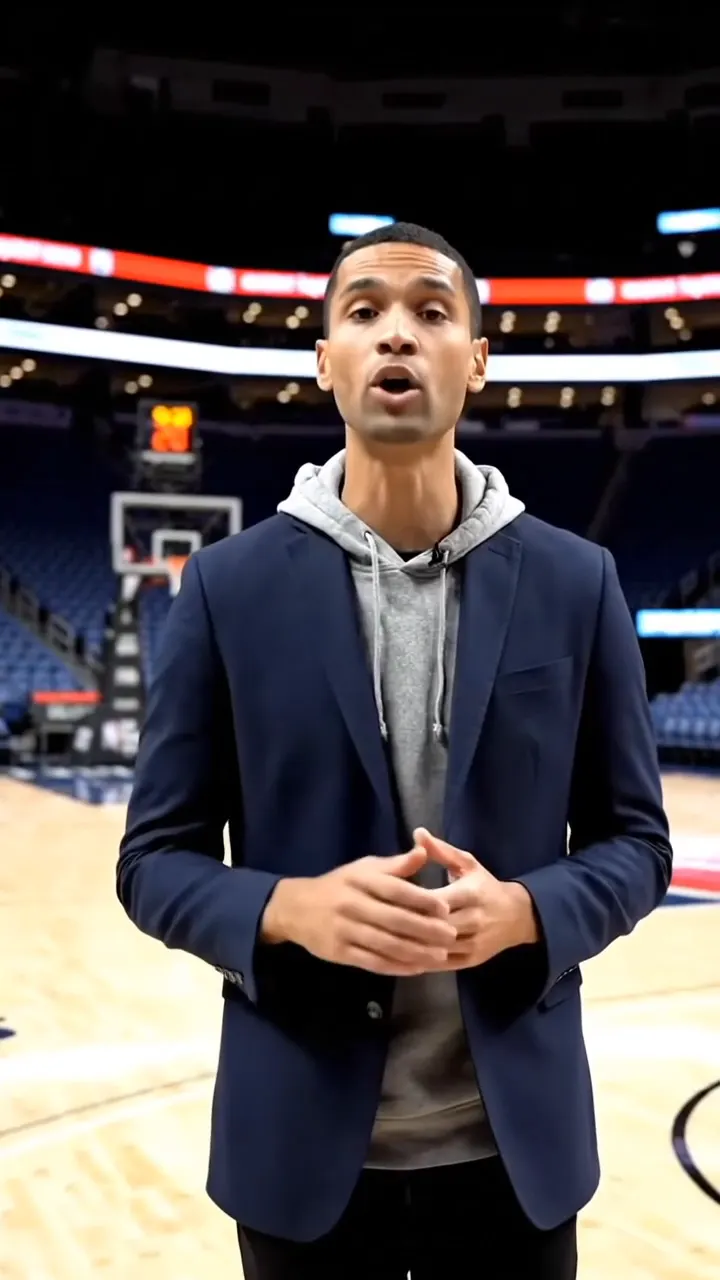
Filming the Action
Where to stand, how to hold it, and what to leave the app to sort out.
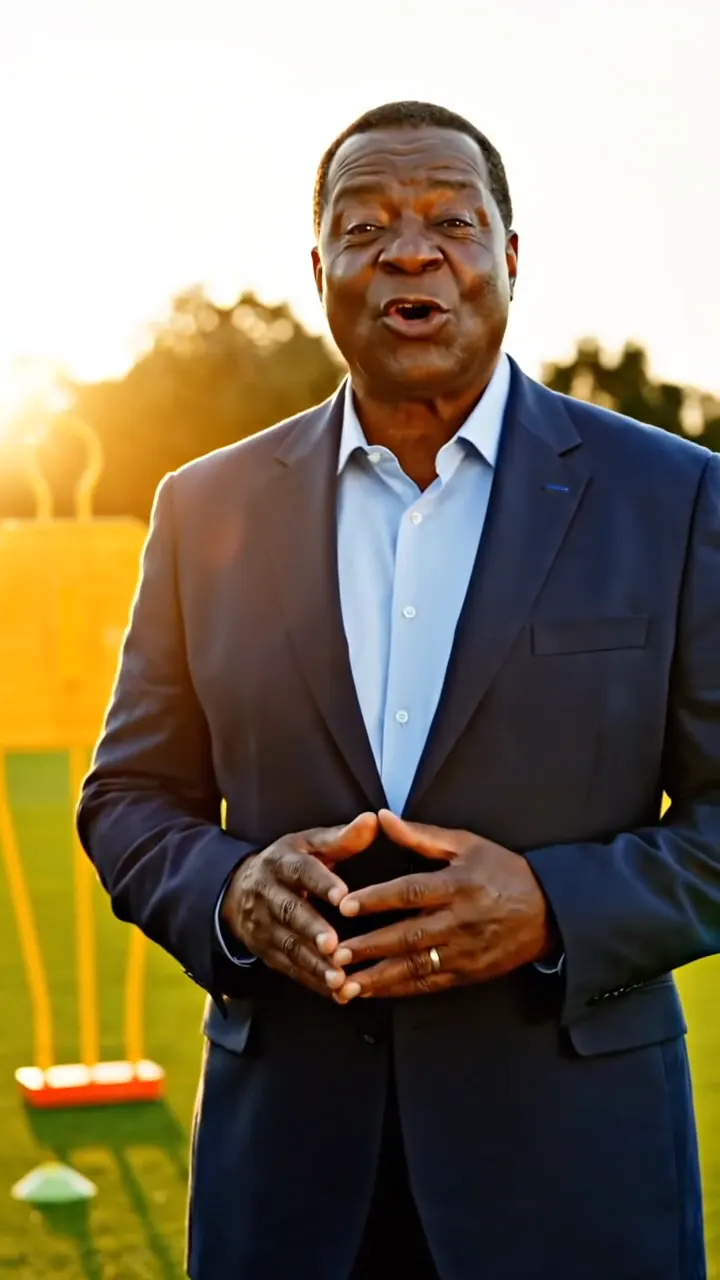
Mark the Moments
Tagging the goals and the turning points while the game is still going.
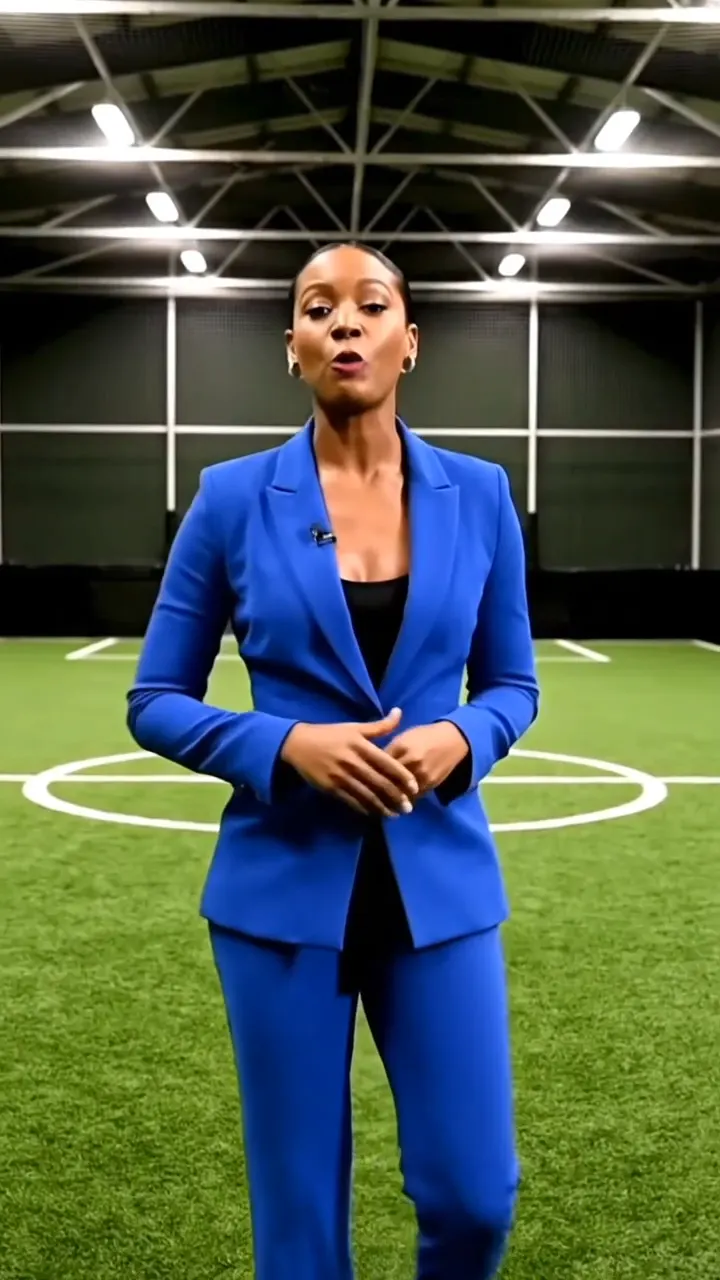
About Sharing
Getting a finished recap to the team, and out to wherever else it goes.
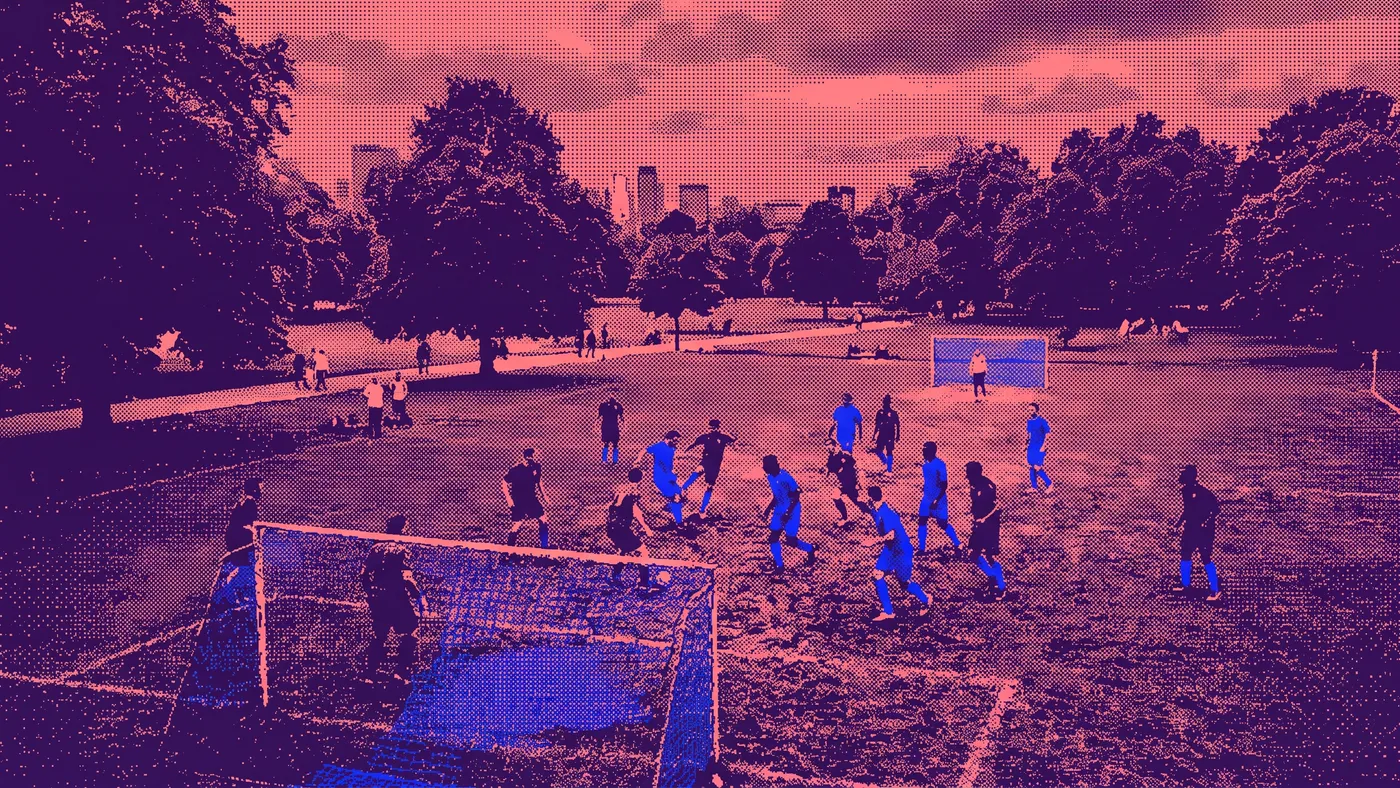
An interactive training gallery is coming soon
A short film for every screen in the app: getting set up, recording, the filming modes, several phones on one game, and everything that happens after the whistle.